Project
HTML to EXE Converter
Convert HTML, CSS, and JavaScript projects into standalone Windows EXE applications with a professional desktop GUI. No installation required for end users!
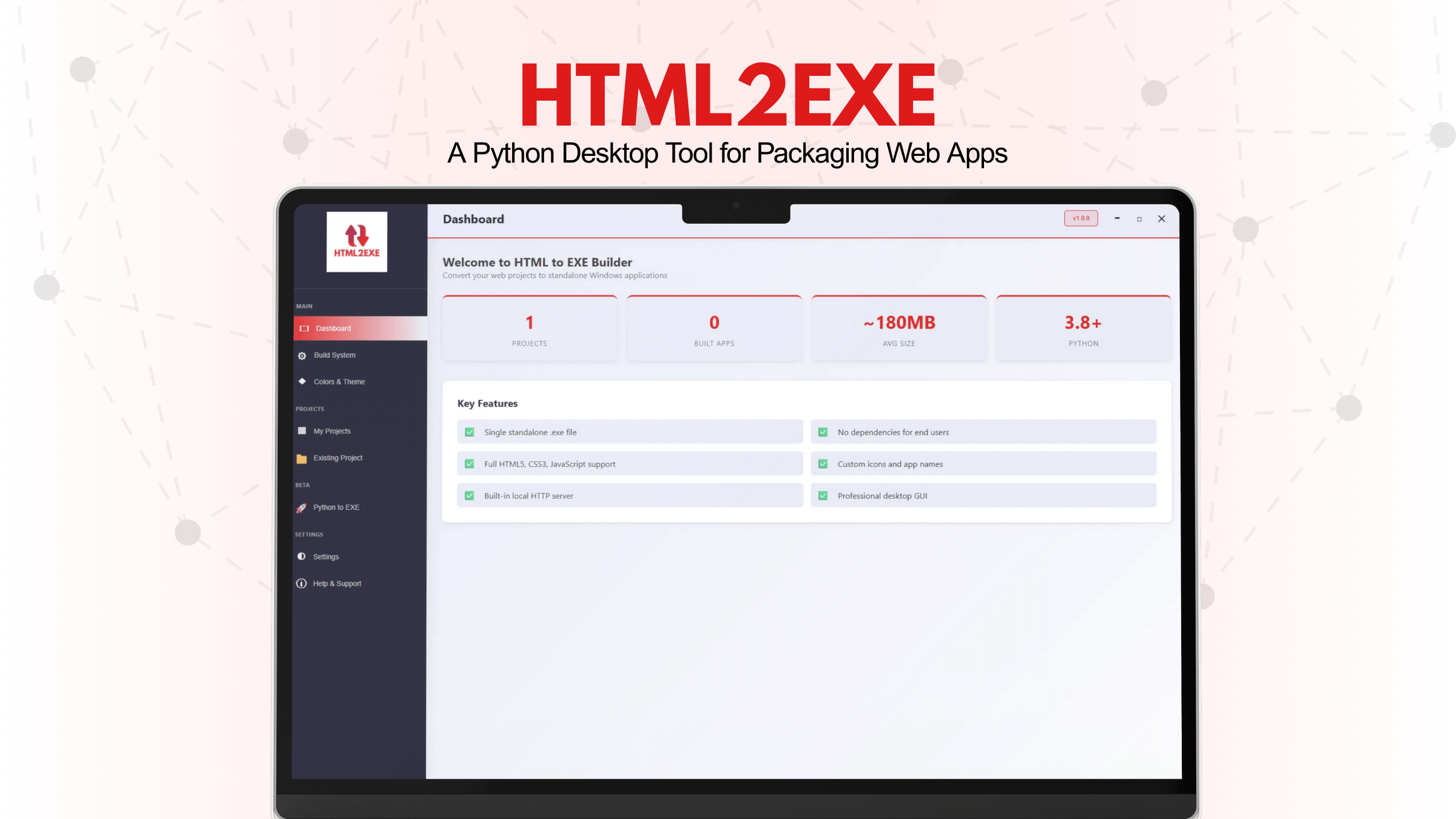
HTML to EXE Converter – Desktop Application Builder
A professional desktop application that converts HTML, CSS, and JavaScript projects into standalone Windows EXE executables with a beautiful, intuitive GUI.
Key Features:
- Beautiful Desktop GUI with professional project management interface
- Import Any Project - Scan folders with any structure (handles 1000+ nested folders)
- Smart File Discovery - Auto-finds HTML, CSS, JS files recursively
- Color Customization - Build custom color themes with live preview
- Template Support - Start with blank, modern UI, dashboard, or calculator templates
- Single EXE Output - Creates standalone executable file
- No Dependencies - End users don't need Python installed
- Project Management with search, filtering, and statistics dashboard
- Custom Icons and Window Titles
- Single-file or directory packaging options
GUI Features:
- Professional Dashboard for project statistics
- Color & Theme customization with color picker
- Advanced build preferences and configuration
- Server settings and application options
- PyInstaller-based packaging
- Automatic entry point detection
Tech Stack:
- Frontend: Python 3.8+, PyWebView
- Build Tool: PyInstaller
- Packaging: Single-file or directory output
- Platform: Windows 7+
What Works in EXE:
- HTML5 / CSS3 support
- Vanilla JavaScript execution
- DOM manipulation and events
- Canvas & SVG graphics
- localStorage API
- Fetch API (with proxy for CORS)
- ES6+ JavaScript features
Outcome:
A professional desktop application that converts web projects into standalone Windows executables, enabling developers to package and distribute their HTML/CSS/JavaScript applications without requiring Python installation on end-user machines.
Links
View source codeBuilt with
February · 2026
